
价格历史
共 14 次价格快照 · 每日 09:00 / 15:00 / 21:00 更新
应用截图 点击查看大图


应用简介
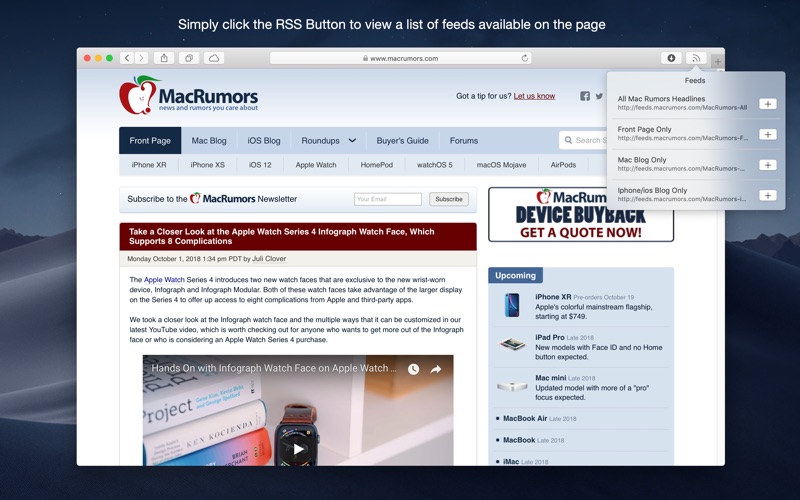
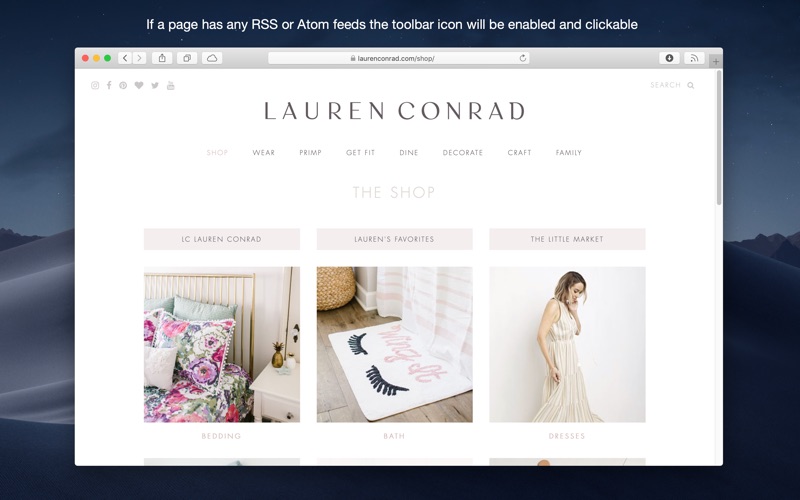
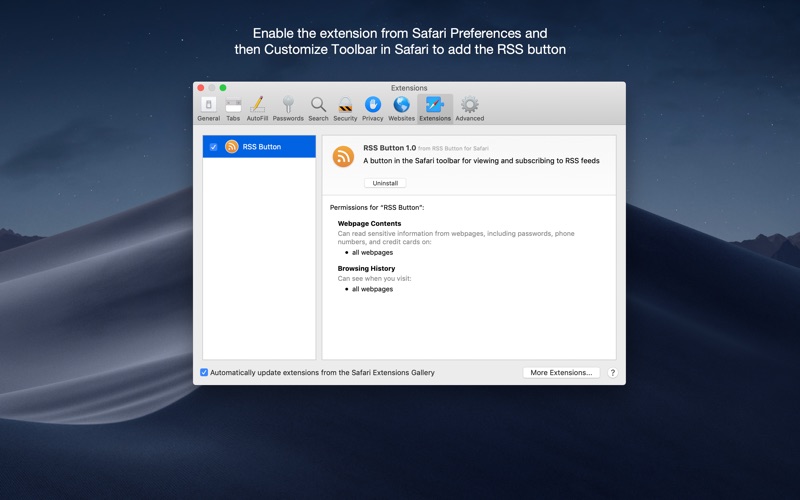
Discover and subscribe to RSS, Atom or JSON feeds in your preferred desktop or web based news reader from Safari. RSS Button for Safari requires either a desktop news reader supporting RSS, Atom or JSON feeds or an account with an online news reader such as Feedbin, Feedly, FeedHQ, Feed Wrangler, Inoreader, NewsBlur, The Old Reader or BazQuz Reader. Alternatively you can choose to copy the feed address to your clipboard or use any self-hosted news reader. To install this extension after purchasing on the App Store: 1) Open RSS Button for Safari from Applications; 2) Choose your preferred news reader 3) Enable the extension from Safari Preferences under the extensions tab 4) If the toolbar button does not appear automatically in Safari go to View > Customize Toolbar and drag the RSS Butt